
Backing tracks
A backing track player that runs the whole show
segue plays backing tracks, stems and a click together from one Mac app. Hit GO and every file starts on the same audio timestamp. Sample accurate.
No credit card required.
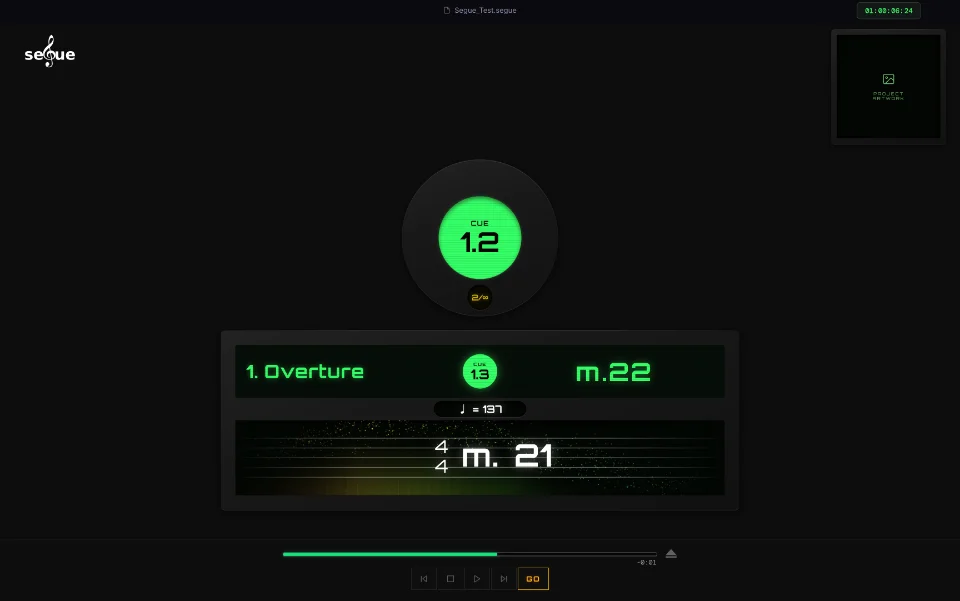
Every stem on its own output
Assign each stem role to a channel on your audio device. Drums, bass, strings, vocals and click each go where they belong. Each cue holds up to five track stems plus a click, and any cue can override a single stem.
One click spine across a whole song
Cues in the same song share one click file. GO seeks to the right bar and the click keeps rolling.
Pause and resume in place
Pause mid loop and pick up from exactly that spot.
A mixer built for the gig
Faders, pan, mute and solo for every output. The master rides the house outputs only, so pulling the house down leaves the click in the band's ears.
Hear what the performer hears
The Mix + Click switch on the transport bar puts the operator in the performer's seat. The monitor carries the click plus as much of the show mix as you dial in.
Questions
What files does segue play?
WAV files. Bounce full length stems and a click that share a common start point.
How many stems can a cue hold?
Up to five track stems plus one click.
Can I trigger it from a pedal?
Yes. Every transport button is MIDI learn ready, so GO, Back, Forward and Stop can be mapped to a Boss pedal or an SPD pad.